Explore official video tutorials, step by step technical walkthroughs, and helpful guides designed to help your business master TallyPrime features, report views, auto backup configuration, and banking setups.
Watch our step by step video guide explaining how to set up automated background backups for TallyPrime. Learn how to protect your accounting data across local storage drives and encrypted cloud servers seamlessly.
Browse our curated playlist of video tutorials to learn how to navigate dashboards, customize report views, manage cheque books, and configure email servers in TallyPrime. Click any video to play.
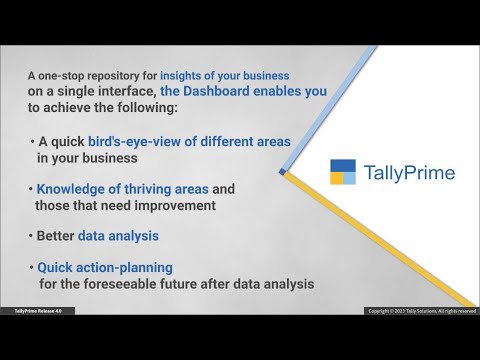
Discover how to navigate the interactive dashboard in TallyPrime to gain instant visual summaries of sales, cash flow, purchase performance, and financial metrics.
Learn how to personalize your reporting experience in TallyPrime by saving custom report configurations, setting default layouts, and modifying saved views.
Follow this video guide to configure Gmail SMTP settings in TallyPrime, enabling you to dispatch invoices, customer statements, and receipts directly from the software.
Master banking management in TallyPrime by learning how to configure cheque registers, track cheque ranges, print cheques, and reconcile bank transactions accurately.
Access official Tally Solutions blogs covering accounting best practices, VAT tax compliance tips, inventory management strategies, and new software releases.
Click on any contact to call directly